
A region with a character
Choose scale, biome and climate to establish the written context for the frontier.
Frontiers, routes and discoveries
A pass leads beyond the ridge. An outpost guards a crossing. Ruins wait beneath the forest. Prepare a written frontier with routes, landmarks and discoveries for the party to explore.

A frontier worth exploring
Prepare a regional guide to terrain, routes, habitation, resources and discoveries.
Choose scale, biome and climate to establish the written context for the frontier.
Subregions, routes, passes and waterways suggest how the party might move through the land.
Use resources, livelihoods, settlements and faction interests to develop local concerns.
Turn landmarks, ruins and hazards into places the characters can investigate, avoid or change.
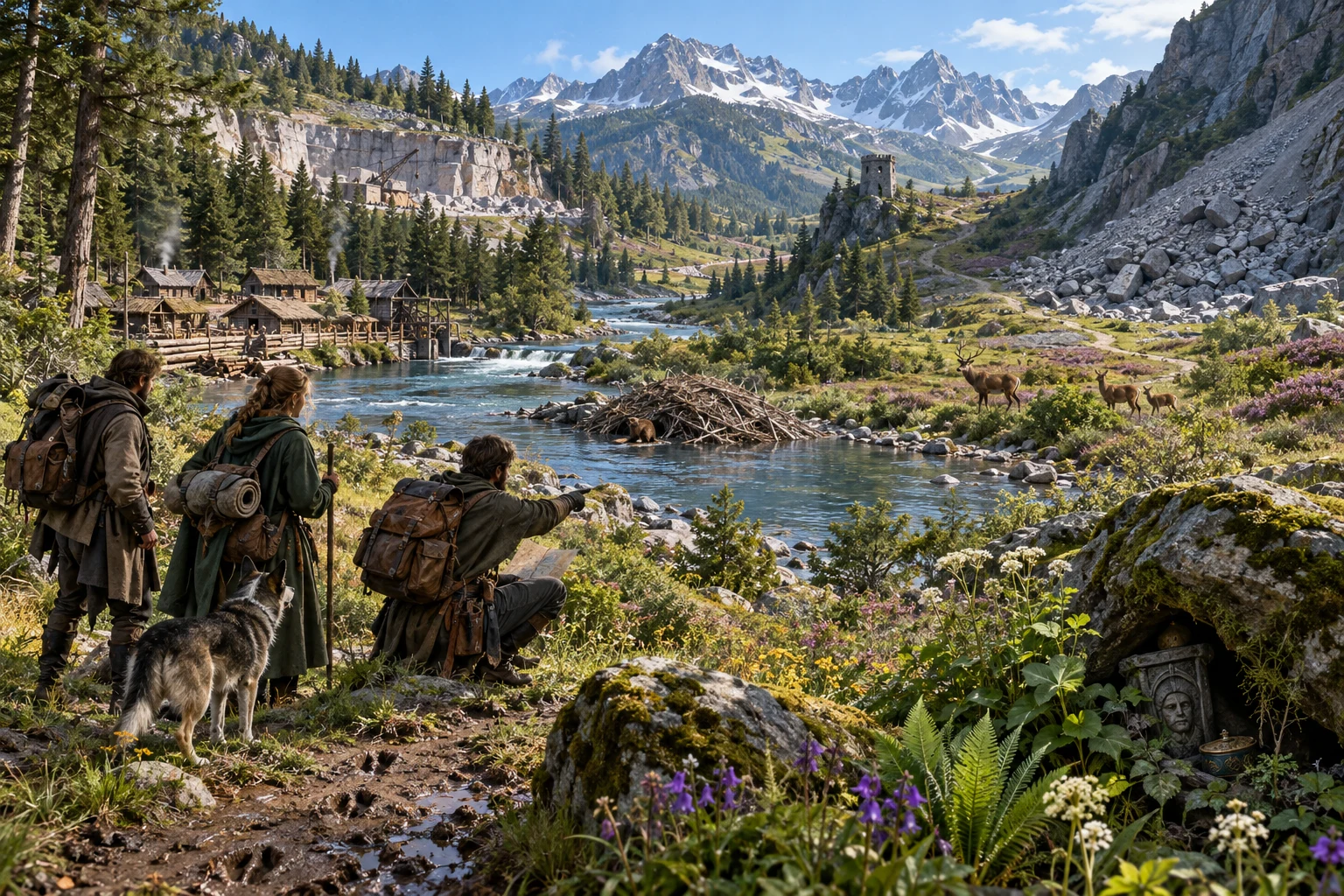
Develop the landscape
The illustration represents regional exploration preparation, not an application screen or a generated graphical map.
Choose a scale and primary biome. Bring subregions, routes, landmarks and habitation into a written guide.
Review the suggested relationships and develop the discoveries that fit your campaign.
From a landscape to exploration preparation
Build a written reference, then adapt it to the campaign.
Choose the region scale and primary biome, with an optional seed. Quick retains other current settings.
Use Deep choices for climate, elevation, water, habitation, trails, danger, resources, magic and factions.
Review subregions, landmarks, routes and discovery notes as one regional guide. Adjust the proposed connections yourself.
Save a useful region to your account. Review and update the separate player gazetteer before sharing.
Your regional preparation toolkit
Keep landforms, routes, habitation and discovery notes together in a regional guide.
Set scale and primary biome, then develop a forest, mountain, swamp, desert, island or other frontier.
Use four, six, eight or ten subregions, according to scale, as a written framework for the places the party can cross.
Review routes, passes, crossings, rivers, lakes and wetlands alongside the surrounding landforms.
Bring settlements, camps, resources, livelihoods and faction interests into the regional guide.
Use landmarks, ruins and discovery sites to give the characters places to investigate.
Read habitat, weather, hazard and danger notes as descriptive preparation, then adapt their relationships to your campaign.
Edit the regional JSON, revise selected areas and lock matching subregions or landmarks while reviewing connected details.
Save account regions, return to previous versions, copy the full region or review a separate player gazetteer before sharing.
Different landscapes to develop
Forest, Mountain, Swamp, Desert and Island presets change selected settings; review the remaining choices.
Prepare woodland or wetland places, habitation, resources and routes that fit your world.
Develop passes, crossings, exposure and landmarks across a demanding landscape.
Use water, settlements, resources and discoveries to shape an island frontier.
Select compatible secondary biomes and develop the connections between subregions yourself.
Keep the frontier adaptable
Use selected revisions and structured editing to develop useful regional preparation.
Edit the JSON to fit campaign locations, relationships and discoveries.
Preserve matching subregions or landmarks with locks. A change to their counts can remove locked entries.
Other content can change during a reroll. Read routes, geography and discoveries together afterwards.
Search account regions by name, duplicate a design and open up to ten previous versions. Input settings are not restored.
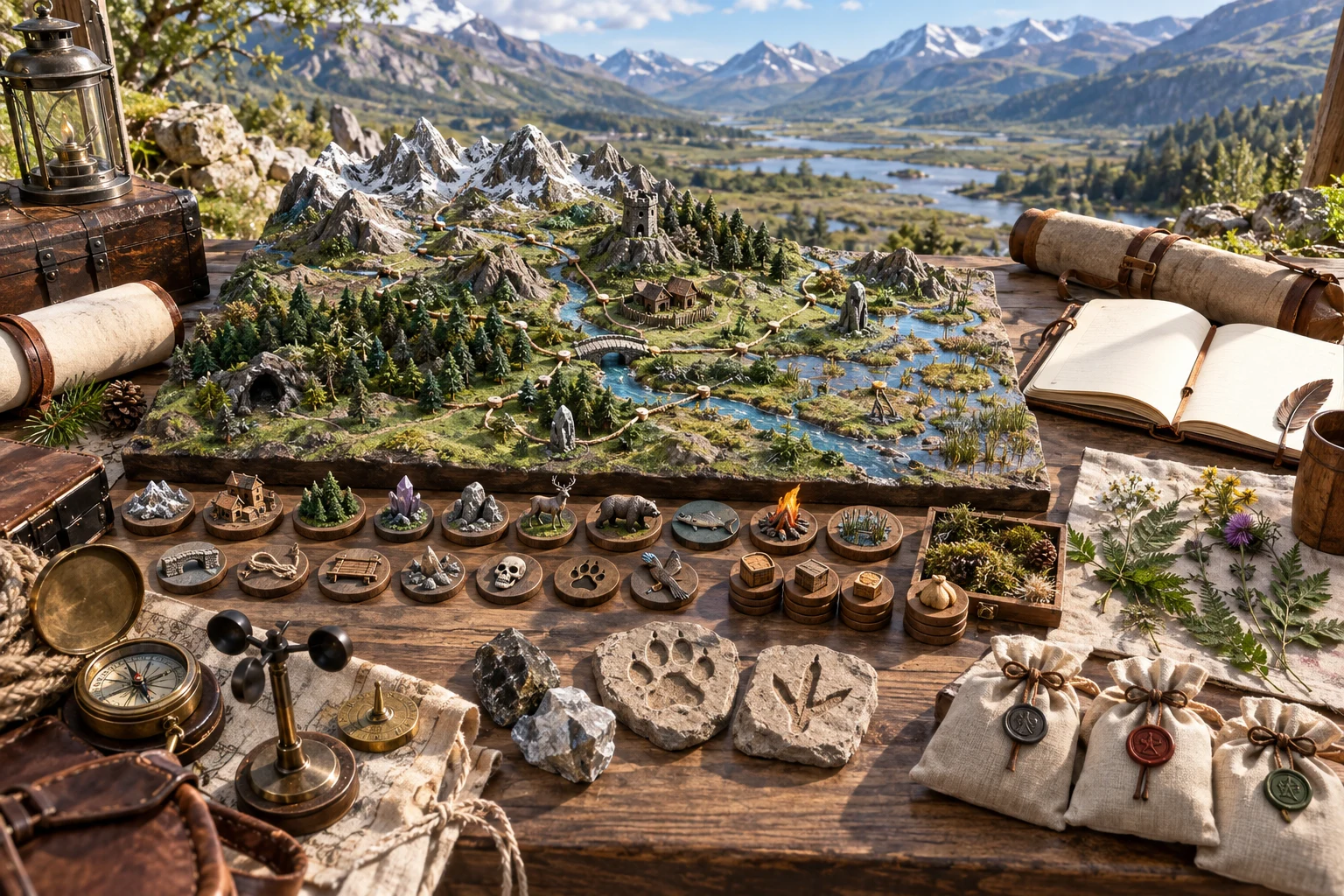
A written regional guide
Read region identity, scale and climate alongside landforms, subregions, waterways and routes.
Habitation, resources, wildlife, danger and discovery notes suggest places the party can explore.
Copy the full region or player gazetteer as JSON. Review player knowledge before sharing and printing.
Worldbuilding judgement stays with you
The generator supplies descriptive preparation; you decide how the campaign works.
Review the suggested relationships. This is not a physical geography or ecology simulation.
The gazetteer omits dedicated secrets and hooks, but you decide what players should know. Update it separately after edits.
Prepare a lair, ambush site, hazard crossing or wilderness battle in Combat PRO. Add creatures and a map separately if needed.
The result does not calculate a journey, start combat or transfer the whole region to another product.
Choose your generator access
The current USD catalogue lists Wilderness Region Generator as available. Review the current account offer when choosing access.
Choose Wilderness Region Generator as your selected standalone generator for US$1.99 per month.
Select this generator within an eligible pack. Pack capacity and current pricing are shown in your account.
Combat PRO, Battlemaps and image-credit products have their own access arrangements. They are not included automatically.
Create a free account, choose the required generator access and use Desktop Command Centre on Windows.
VISINVOKE means value
A focused tool for regional exploration and worldbuilding.

Give subregions, routes and landmarks a place in the campaign.
Develop places and rumours that support exploration choices.
Save useful regions and return to previous versions.
Decide what the characters discover and how the frontier changes.
Build your tabletop toolkit
Each card opens its own product website. Review purpose and access separately; related products do not promise included access or automatic synchronisation.

Open your VISINVOKE products from Windows.
Prepare fictional conditions for a particular scene or journey.
Develop the political setting around the frontier.
Review a separately prepared tactical encounter.
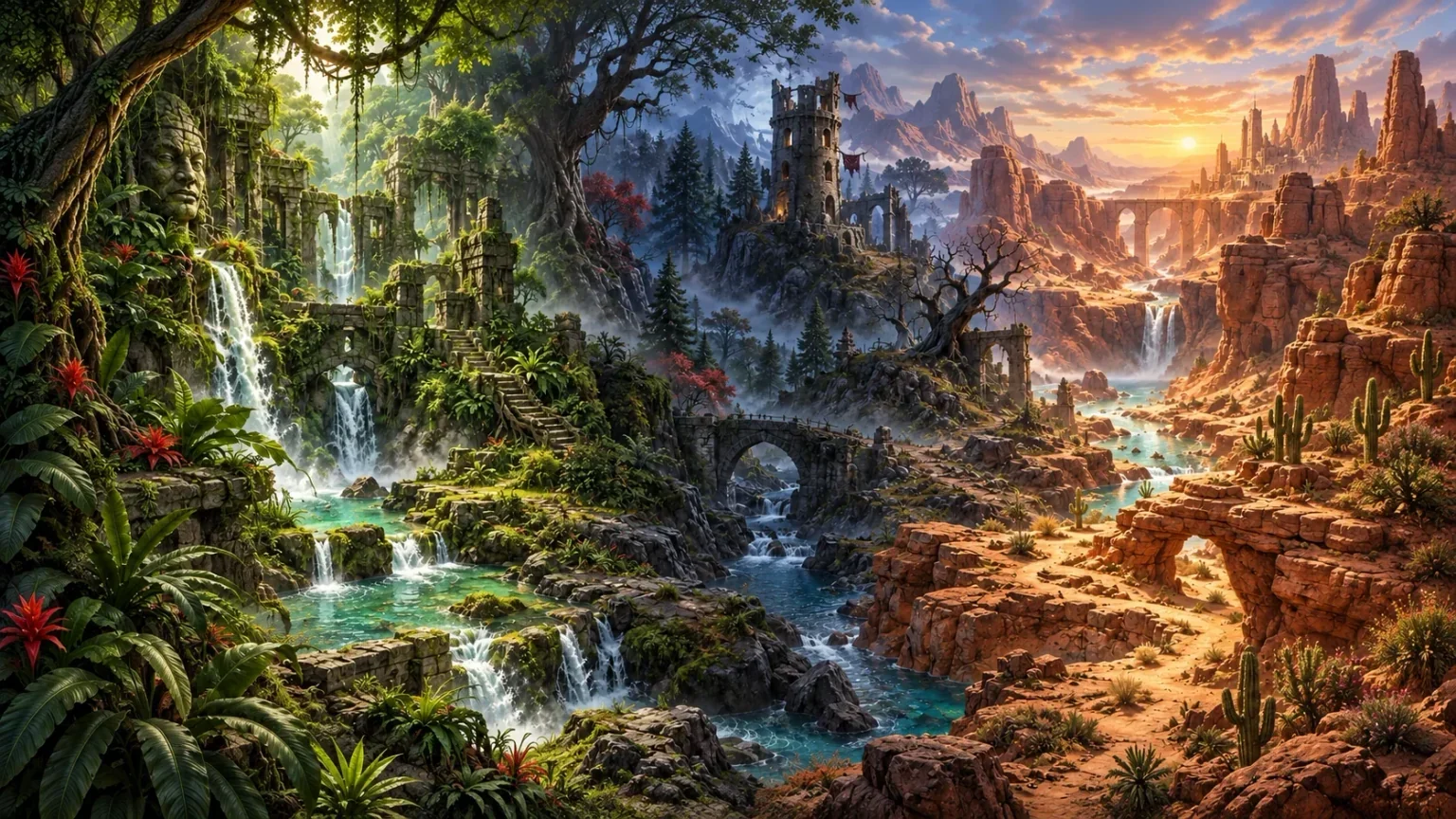
Explore separate adventure environments.

Explore separate fantasy image creation.
Product artwork illustrates fantasy regional preparation, not application screens or actual generated image output.
Quick answers
Understand access, revisions, player gazetteers and tactical preparation.
No. Wilderness Region Generator creates a written regional guide with subregions, routes, landmarks, resources, habitation and discoveries. It does not draw a map, simulate an ecosystem or calculate a journey.
The current USD catalogue lists US$1.99 per month for one selected standalone generator. Wilderness Region Generator can also be selected through eligible generator packs. A VISINVOKE account and required generator access are needed; Combat PRO and other products are separate.
Locks preserve matching subregions or landmarks. Other content can change during a reroll, and changing their counts can remove locked entries. Review geography, routes and discoveries together before saving a revision.
Save regions to your account, search by name, duplicate a design and open up to ten previous versions. Opening a saved region does not restore the generation settings. Review the saved material and current settings before generating again.
The gazetteer contains generated routes, landmarks and rumours while omitting the dedicated secrets and hooks. Review what players should know and update it separately after editing the region. Copy the gazetteer as JSON, or select Player gazetteer view before printing. The full JSON download includes the full region.
With separate Combat PRO access and available encounter capacity, prepare one selected lair, ambush site, hazard crossing or wilderness battle. Its brief, zones, objective and terrain hazard can transfer, with no map or creatures. Review the prepared scene before play; sending it does not start combat or transfer the wider region.
Continue in VISINVOKE
Create a free VISINVOKE account and choose the required generator access.
Get Desktop Command Centre from your account installer page. Sign in on Windows, then open Wilderness Region Generator.